Showing posts with label tasker. Show all posts

Saturday, February 20, 2016

Notifications Reader and Tasker Recipes - Part 1

Having Notifications Reader read out the details of new emails, alerts and messages is great, really great! But after while you'll realize (or someone else may tell you) that having your phone constantly speak to you can become annoying at times. Modifying the Notifications Rules to only speak notifications of specific applications is one way to tune the application.  But many times it's about the context, not the content, and this is where the Tasker integration makes Notifications Reader even more powerful.

The following describes a couple of Tasker Profile recipes I personally use every day.

Shut-up, I'm trying to sleep - tell me about it in the morning

This first profile ensures that my phone won't disturb a good nights sleep.

Nighttime profile is defined using the Tasker Time context - e.g. between 10:30pm till 6:40am


This profile is assigned to perform the following tasks:
  1. Use the Do Not Disturb Tasker Action to set to Alarms only. This will prevent audio output from all apps, not just Notifications Reader
  2. Use the Notifications Reader Plugin Action to Pause Notifications Reader so any new notifications are saved until Notifications Reader is resumed.

The Nighttime profile is then used in conjunction with my second profile - Get up.  For this I use a more complex profile context: Day is Monday to Friday, Time is between 6:00 AM and 7:00 AM and an Event type of Alarm Done. Assuming you are using the Android Clock as your morning wake-up alarm, the profile gets triggered when alarm is dismissed.


This is mapped to a set of tasks to performs the following:
  1. Use the Do Not Disturb Tasker Action to restore the mode to All. i.e. Do no disturb now is disabled.
  2. Set the Notification Volume to Level 2, an appropriate level to hear the device just a few feet from my head - just in case I had manually turned the volume to far up/down the day before.
  3. Say "Good morning" (optional)
  4. Use the Notifications Reader Plugin Action to Resume Notifications Reader. Any notifications that occurred during the sleeping hours are now read out.


How do you use Notifications Reader?  Would love to hear about other recipes in the comments. Coming in Part 2 - setting a driving profile.

Tuesday, October 7, 2014

Tasker/Locale Plugin for Notifications Reader


Hearing applications notifications spoken out loud is great, but there are times and places where you don't want Notifications Reader enabled.

With release 1.0.7, Notifications Reader now includes plugin support for Tasker (and Locale - untested) to set custom profiles for when Notifications Reader is enabled or disabled.

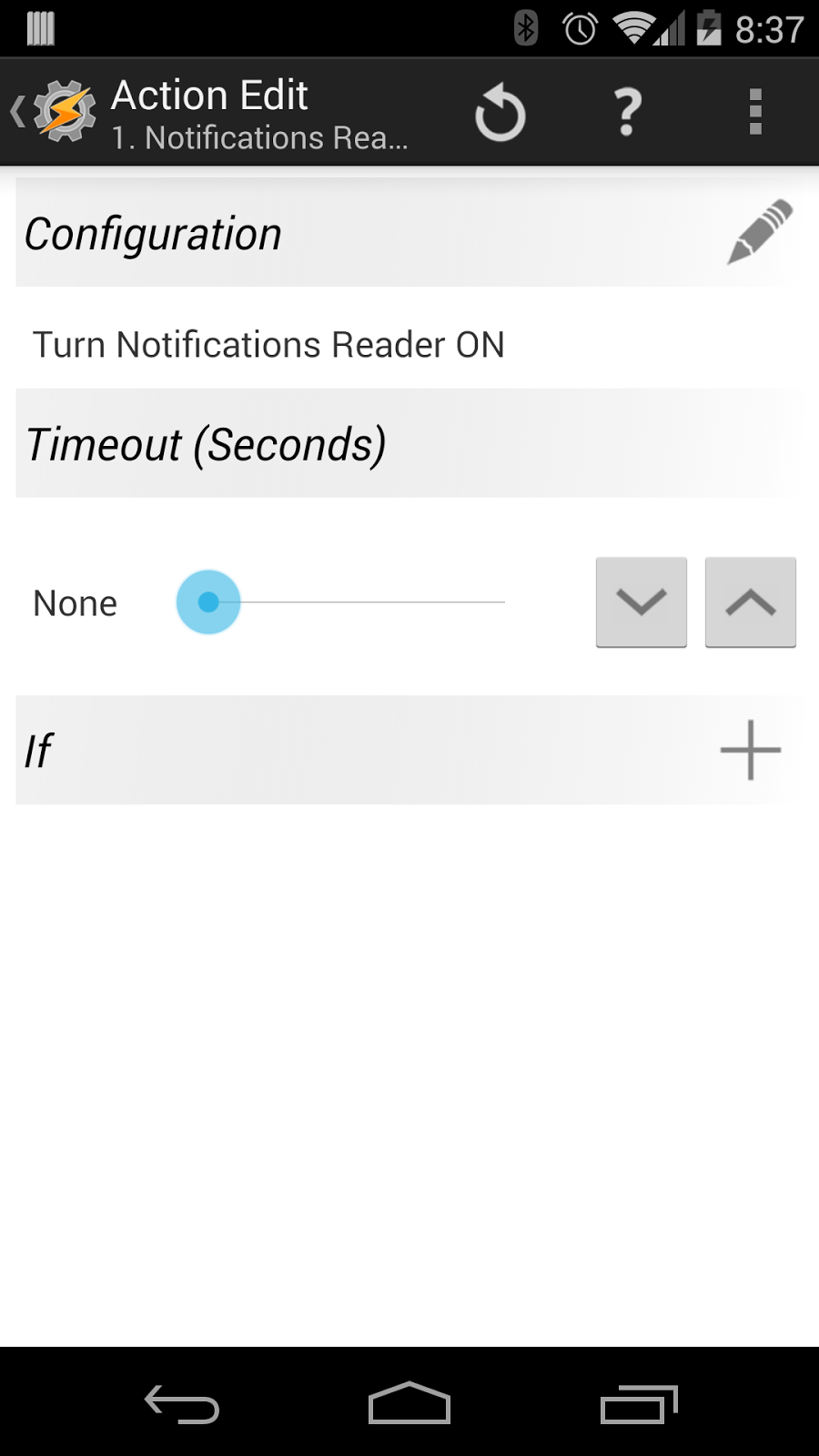
To add the Notifications Reader Plug-in Tasks to Tasker:
  1. Select to add a new Task
  2. Select the Plugin Actions Category
  3. Choose the Notifications Reader Plugin Action
  4. Edit the Action Configuration to choose the desired Action to turn Notifications Reader ON or OFF. 
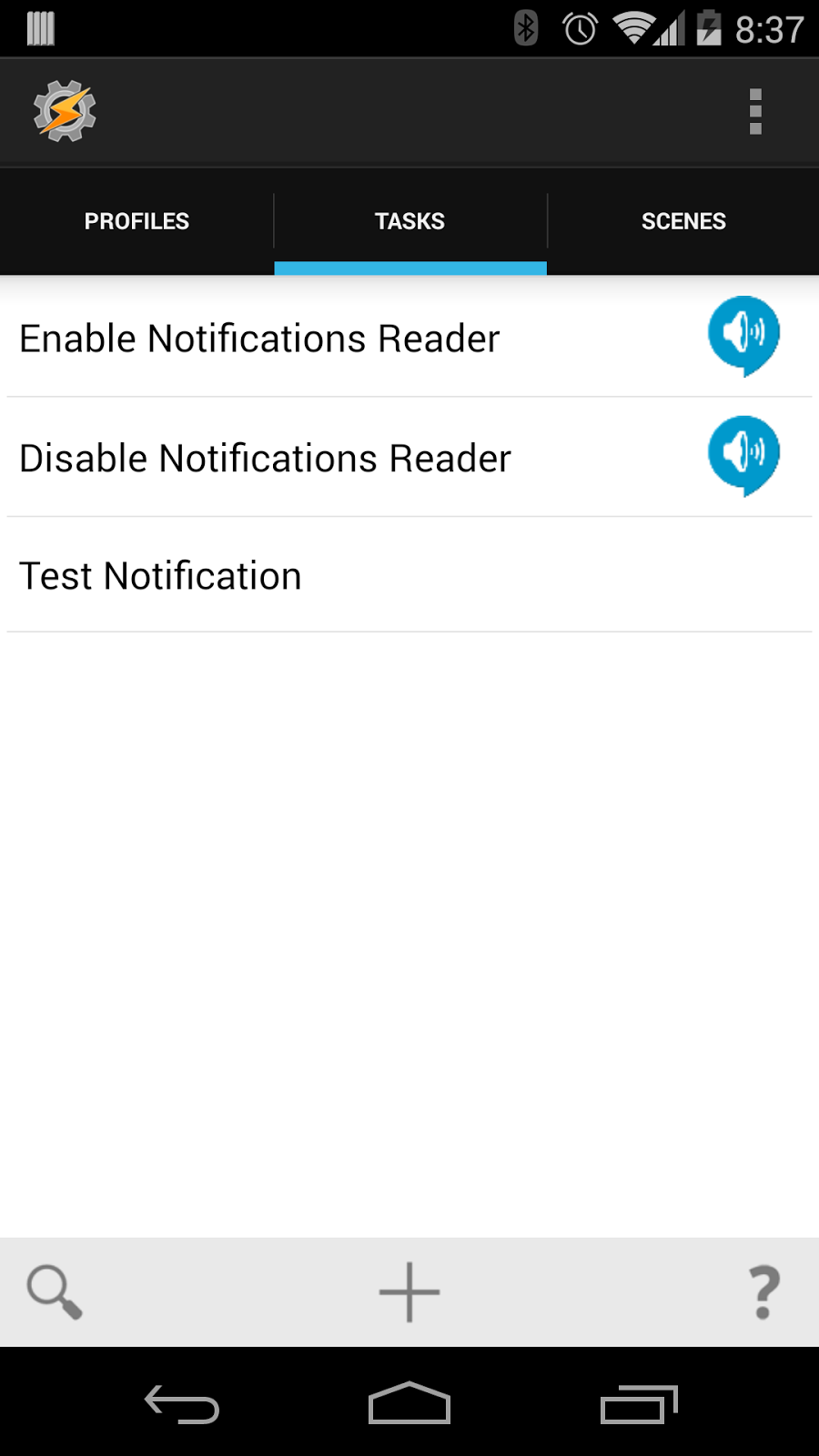
You will probably want to create one task for both the ON and OFF Actions.

Alternatively you can import the Task definitions below by placing them in the Tasker/tasks folder on the device and choose the Task Import option (long press on the Tasks tab and select Import)
Tasker provides and incredibly powerful set of options to tailor exactly when Notifications Reader is enabled/disabled, for example:
  • Create a time based profiles to turn Notifications Reader OFF at night or other specific times of the day
  • Create a location based profiles to turn Notifications Reader ON/OFF at home or at work
  • Create a sensor based profiles to Notifications Reader on or off based on the orientation of the device; Face-up or Face-down